Give teams room to spend. Keep finance in control
Finance sets the boundaries up front, then reviews the receipt and financial details after the purchase.
Set limits and approval paths up front. Keep the receipt, coding, program, and funding source with the transaction for review.
Trusted by 80+ organizations, including:





Finance sets the boundaries up front, then reviews the receipt and financial details after the purchase.
ImpactGraph Bill Pay can route bills differently based on amount, category, and program. A routine bill under $500 might stop with a manager. A bill over $5,000 tied to a particular category and program might continue to the program director and executive director.
When your team is ready, bring transactions from an external bank account into ImpactGraph for finance to code and review. Start with one account without changing every spend path at once.
The handoff gets easier when the receipt, coding context, and review stay with the transaction.
Finance asks days later. You search your email, camera roll, and desk drawers.
You send a picture of the receipt by email or text while you still have it.
The purpose, program, funding source, and budget category arrive in separate messages.
The receipt and financial details stay with the transaction for review.
Finance opens an incomplete transaction and starts another round of questions.
Finance reviews one record, confirms the coding, and handles the exceptions.
Program teams get budget and financial updates weeks later or not at all because categorization happens outside the system.
Coding stays with the transaction, so teams can review funding-source budgets without waiting for a separate spreadsheet.
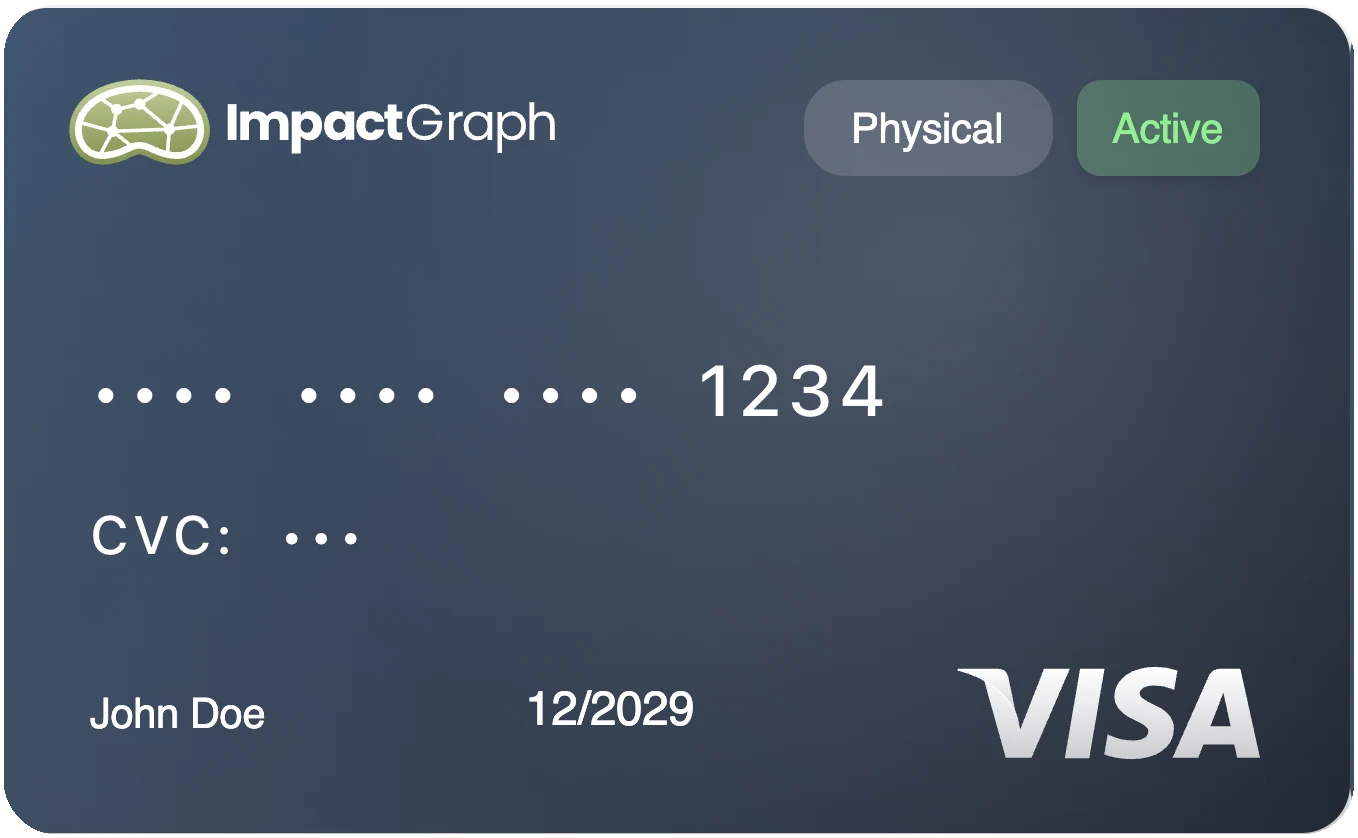
Choose card limits and approval paths that match how your organization works.
Attach the receipt or invoice and code the transaction to the right account, program, and funding source.
Finance checks the coding, splits, documents, and approvals before the decision is final.
How spending, coding, and review work for program teams and finance.
No. ImpactGraph can work alongside your existing accounting system, so you can add nonprofit-specific spending and reporting workflows without changing everything at once. We confirm the exact system, data, and connection during implementation.
Yes. Cards, vendor bills, reimbursements, and imported bank transactions can move into a shared coding and review workflow. Each type of spending can still follow its own limits, documentation, and approval policy.
Staff can send a picture of the receipt by email or text while they still have it. ImpactGraph matches the receipt to the transaction and prepares the details for finance to review.
Yes. A transaction can be split and coded across ledger accounts, funding sources, programs, and other dimensions. The same coding then supports the books, grant tracking, program reporting, and budget review.
Finance can set card limits, reset schedules, and blocked categories before spending happens. Bills and reimbursements can follow different approval paths based on the organization’s policies and the details of the expense.
ImpactGraph prepares the work. People still review transaction details, coding, splits, validation warnings, approvals, and payments before the decision is final.